
Simple Habits to Protect Your Eyes From Screens
Staring at digital displays all day takes a heavy physical toll on vision, as millions spend 8 hours or more looking at screens daily. Dry eyes, blurry…
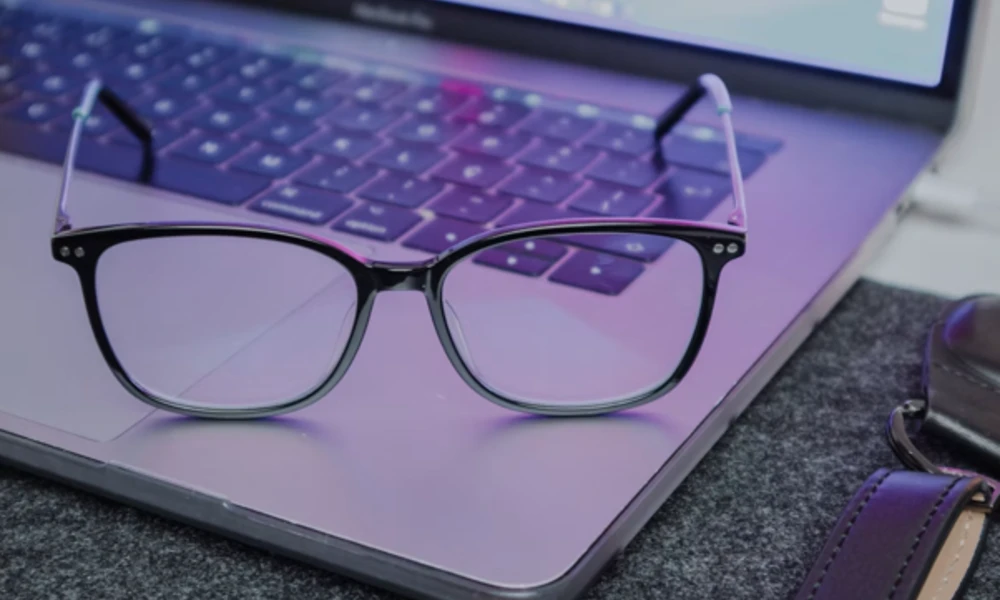
Staring at digital displays all day takes a heavy physical toll on vision, as millions spend 8 hours or more looking at screens daily. Dry eyes, blurry vision, and tension headaches often follow these long sessions. Simple daily routine adjustments help shield vision and keep eyes feeling fresh through long workdays.
Rethink Your Screen Distance and Angle
Sitting too close to a monitor forces eye muscles to work much harder than required. Keeping monitors at arm's length creates an optimal viewing distance for long work sessions. Positioning the top of the display screen slightly below eye level allows a natural downward gaze. This downward angle reduces exposure of the delicate eye surface, limiting moisture evaporation.
Adjusting monitor height prevents neck strain and maintains healthy blinking habits. Correct posture keeps visual fatigue at bay during long projects.
Master the 20-20-20 Rule
Taking regular pauses gives tired eye muscles time to relax throughout the day. Every 20 minutes, focus on an object 20 feet away for at least 20 seconds. This simple habit resets focus mechanisms and reduces internal ocular strain.
Setting a periodic timer on a mobile phone or computer desktop helps build this routine quickly. Pairing these micro-breaks with quick physical stretches keeps the body relaxed. Visual breaks provide immediate relief during intensive computer tasks.
Adjust Workspace Lighting and Reduce Glare
Excessive ambient light creates harsh contrast against bright electronic displays. Positioning monitors away from direct window light prevents distracting glare and reflections. Using soft desk lamps instead of overhead fluorescent light tubes creates a balanced room environment. Screen filters can decrease surface glare in brightly lit office spaces.
Matching display brightness to surrounding light prevents eyes from overworking. Simple lighting changes create a far more comfortable workstation.
Shield Your Vision During Evening Screen Time
Late evening tech habits often interfere with natural rest cycles. Wearing night-time blue light glasses helps filter wavelengths that disrupt sleep patterns before bed. This simple adjustment supports natural melatonin production after dark. Choosing dedicated eyewear or display filters makes evening device use less disruptive to body clocks.
Dimming household lights an hour before sleep complements protective eyewear usage. Creating consistent evening habits supports better rest and healthier eyes.
Understanding Light Wavelengths and Natural Sources
Many people assume digital screens generate the most intense optical exposure daily. Medical specialists at Washington University point out that the sun remains the largest source of blue light. Digital displays emit lower amounts, but proximity and duration make monitor exposure significant.
Understanding light sources helps individuals make informed decisions about daily eye care. Combining outdoor sun protection with indoor screen strategies keeps vision healthy in all environments.
Optimize Nighttime Device Settings and Software Filters
Working late shifts or using electronics late at night requires extra precautions. Health guidance from Harvard Medical School recommends wearing blue-blocking eyewear or installing software that filters blue and green wavelengths at night. Lowering screen brightness to match room lighting prevents unnecessary eye strain.
Switching mobile apps and operating systems to dark mode reduces total light output during late hours. Scheduling automatic warm-color shifts on devices provides seamless evening protection. Simple software toggles offer immediate comfort for night workers.
Practical Daily Steps for Ocular Comfort
Building daily eye protection habits requires small, consistent changes throughout the workday. Simple daily routines protect long-term visual comfort:
- Blinking intentionally keeps the eyes properly lubricated during deep concentration.
- Increasing font size on displays reduces the need to lean forward or strain vision.
- Keeping screen surfaces clean removes dust particles that distort image clarity.
- Using artificial tears offers immediate hydration when working in dry air environments.
Maintaining these actions reduces physical discomfort from long computer sessions. Consistency turns basic habits into effective long-term eye care strategies.
Screen Habits for Younger Users
Teenagers and young adults spend massive amounts of time on mobile devices. Data from Indiana University School of Medicine indicates about half of surveyed teenagers report 4 or more hours of daily screen time. Teaching young users early habits like frequent breaks protects visual health long-term.
Setting boundary limits on non-essential screen activities encourages balanced daily routines. Encouraging outdoor play offers natural light exposure and distant focal points for growing eyes.
The Impact on Daily Comfort and Sleep Quality
Research from Poudre Valley Eye Care indicates evening screen exposure reduces melatonin production and disrupts circadian rhythms. Eye District clinical insights show blue light exposure in evening hours directly interferes with natural sleep prep.
A clinical trial published in PMC noted participants wearing protective glasses for 4 weeks experienced a significant reduction in headache days. Managing display habits improves ocular comfort and nightly rest. Better sleep in turn supports full visual recovery every single night.
Protecting sight from daily digital strain requires consistent effort and smart workspace setup. Combining ergonomic positioning, scheduled visual breaks, and reduced evening exposure creates a balanced routine. Small changes in habits yield lasting benefits for daily comfort and focus. Taking control of screen time today keeps vision clear and comfortable for years to come.
Filed underSleep