
Apple’s watchOS 26 arrives with a visual experience unlike anything before, introducing the immersive “Liquid Glass” interface. This design isn’t just a visual update – it’s a sensory shift that transforms how you interact with your device. By blending translucent, fluid-like elements with refined animations, Apple has turned the watch face into something that feels alive and responsive to your movement, almost as if it reacts to your mood and gestures.
The design changes go beyond aesthetics. Liquid Glass creates a calming, intuitive environment that invites you to slow down and engage more meaningfully with your health and wellness data. For users focused on mindfulness, fitness, and overall well-being, the interface offers presence and connection, reinforcing the idea that technology can enhance, rather than distract from, your daily rhythms.
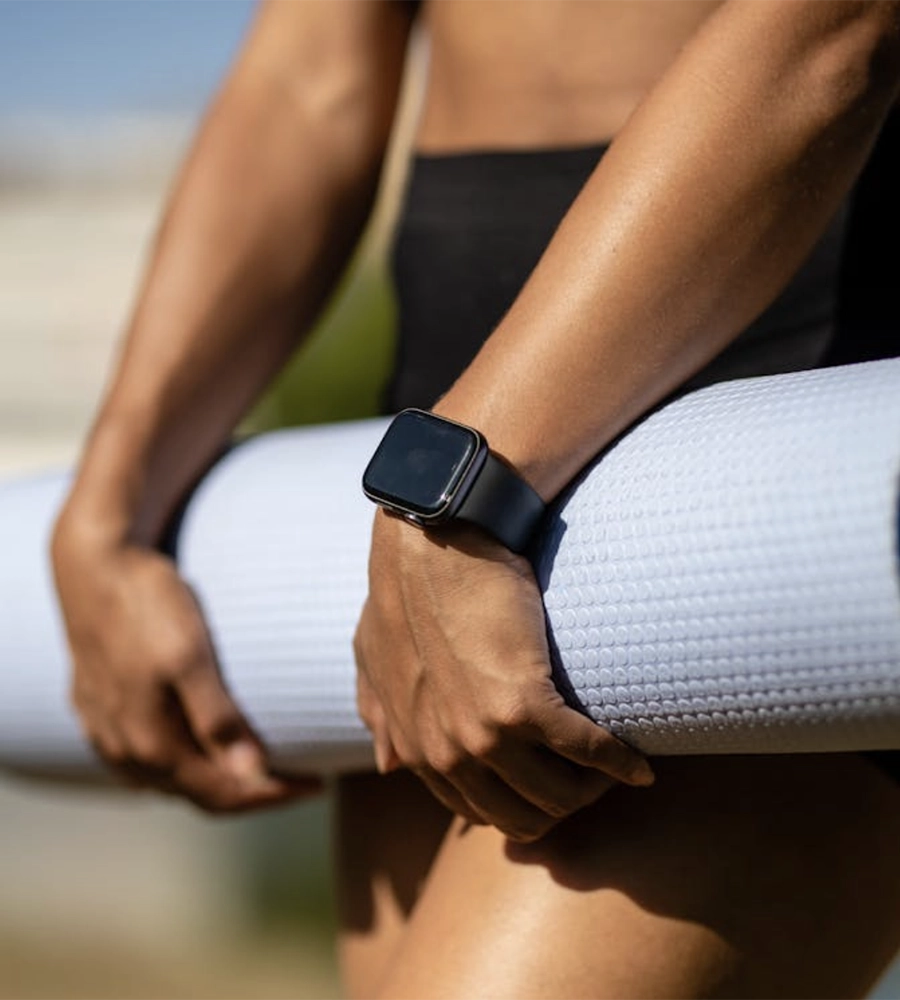
Photo by Ketut Subiyanto on Pexels
The Aesthetic Shift: Why Liquid Glass Feels Different
Liquid Glass in watchOS 26 uses a combination of translucency, depth, and motion physics to create a fluid visual language. Colors blend softly as you swipe, text and icons appear to float in space, and subtle refractions mimic the flow of water. The result is a display that feels less like a static screen and more like a living surface, subtly shifting with every interaction.
Instead of harsh contrasts and rigid edges, Liquid Glass introduces rounded corners, flowing gradients, and organic transitions. This softness reduces visual fatigue and makes checking your watch a more pleasant experience.
Even brief glances become moments of calm, which is particularly valuable if you use the watch for quick wellness check-ins.
Mindful Motion Physics
Animations are timed to natural human perception, with gentle easing in and out that mimics the movement of real-world objects. This pacing helps you feel less rushed when navigating apps, encouraging slower, more intentional interactions that align with mindful living.
Customizable Transparency Layers
With watchOS 26, you can adjust the transparency of elements, letting you see layers of information without clutter. This customization means you can keep fitness metrics visible during workouts while still enjoying the calming visual depth.
Key benefits of transparency customization include:
- Keeping essential metrics in view without overwhelming your visual space.
- Maintaining a clean, minimalist look that enhances focus.
- Allowing the watch to blend more naturally with different lighting conditions.
How Liquid Glass Enhances Wellness Apps
For many users, the Apple Watch is a wellness companion, tracking workouts, mindfulness sessions, sleep quality, and more. The new Liquid Glass interface amplifies these experiences by making them visually harmonious and emotionally engaging.
Guided Breathing Feels More Immersive
When you open the Breathe app, the flowing patterns now resemble ripples in liquid, aligning your breath with the visuals. The transparency and gentle color shifts create an almost meditative visual cue that strengthens focus and helps slow your breathing rhythm.
Fitness Tracking with Emotional Impact
Workout screens now integrate motion depth to highlight progress in real time. As you close rings or hit milestones, animations ripple outward, creating a rewarding moment that feels personal rather than gamified, fostering intrinsic motivation.
Sleep Tracking That Eases You In
The Sleep app uses dimmed, translucent overlays that gradually fade in and out, helping you wind down at night and wake up gently. This small design choice can improve your transition between rest and activity.
Why this matters for your wellness routine:
- Creates a stronger emotional connection with health data.
- Encourages consistent use of mindfulness and sleep features.
- Reduces stress by aligning visual cues with relaxation goals.
Personalization Meets Functionality
Colors shift subtly throughout the day, matching ambient light conditions or your personal preferences. You can even coordinate these tones with interchangeable Apple watch bands, allowing your hardware style and software visuals to blend seamlessly. This can create a more natural viewing experience and reduce eye strain.
Motion Sensitivity Controls
If you prefer minimal motion, you can tone down animations while keeping the core Liquid Glass aesthetic. This makes the interface accessible for users sensitive to movement.
Watch Faces with Contextual Awareness
Certain watch faces can adapt based on your activity, surfacing wellness data when you’re exercising and calming visuals when you’re winding down for the day.
Building a Stronger Mind–Body Connection
Apple’s design team clearly aimed to make technology feel less intrusive and more in tune with human rhythms. By using Liquid Glass, the watch invites you to interact in ways that support mindfulness rather than distraction.
Slowing Down Your Interactions
The slower animation speeds and fluid transitions encourage you to pause instead of rushing through notifications. This can help reduce the compulsive checking habit that often disrupts focus and calm.
Making Data Feel More Human
Health data in watchOS 26 doesn’t just appear as numbers and graphs – it flows into view, breathing life into your metrics. This subtle shift can make you feel more connected to your progress, turning abstract data into something personal.
Encouraging Micro-Moments of Mindfulness
Every time you raise your wrist, the Liquid Glass interface offers a brief moment of beauty and calm. These micro-moments can accumulate into a noticeable improvement in your daily mental state.
The Future of Wearable Wellness
Liquid Glass in watchOS 26 hints at a broader shift in wearable technology toward experiences that nurture, rather than compete for, your attention. Instead of overwhelming you with constant updates, the design encourages reflection, calm, and a sense of control over your digital interactions.
Expect future iterations to focus more on presence and less on interruption. Your watch could become a partner in building healthy routines instead of a source of distraction.
With more seamless visuals, future wellness apps could blend biometric feedback directly into the watch face, creating a continuous awareness of your body’s state without overwhelming you.
Liquid Glass could inspire similar design philosophies across phones, tablets, and even AR devices, emphasizing experiences that support mental and physical well-being.
Conclusion: More Than Just a Pretty Interface
watchOS 26’s Liquid Glass design is a thoughtful reimagining of how you interact with your Apple Watch, blending aesthetics with a genuine focus on your well-being. By making your device feel calmer and more connected to your body’s rhythms, Apple has set a new standard for how wearables can support mindfulness.
This approach proves that technology can be both beautiful and beneficial. The translucent, flowing visuals subtly guide you toward a healthier, more intentional relationship with your device. For anyone using the Apple Watch as a tool for wellness, Liquid Glass turns each glance at your wrist into an opportunity to reconnect with yourself, reminding you that technology can be designed to serve your mind as much as your body.
- About the Author
- Latest Posts

Our Editorial Team are writers and experts in their field. Their views and opinions may not always be the views of Wellbeing Magazine. If you are under the direction of medical supervision please speak to your doctor or therapist before following the advice and recommendations in these articles.